List
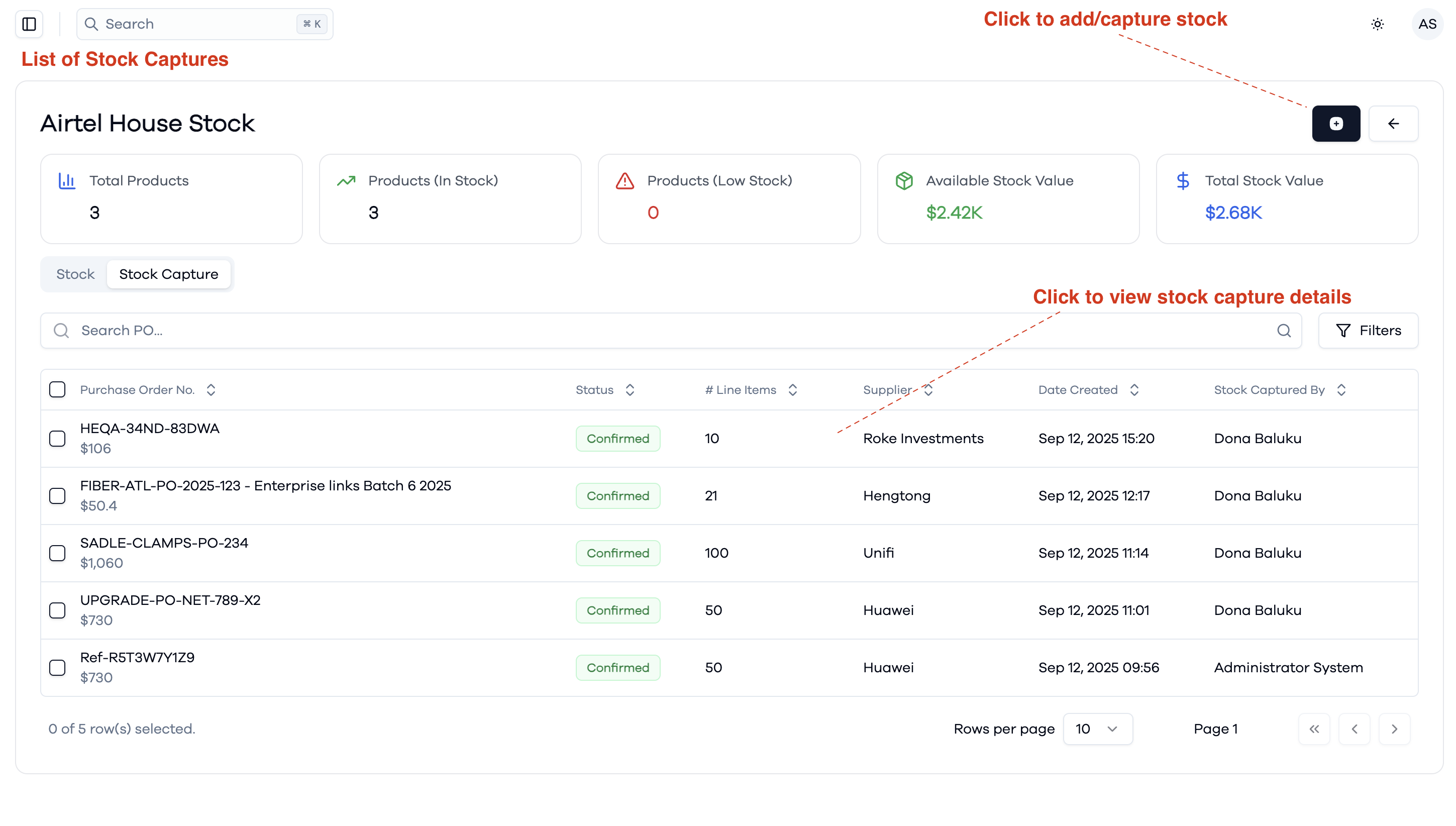
This view displays a list of all stock captures for the selected warehouse. A stock capture represents the process of adding stock to the warehouse, either as a direct stock entry or by referencing a Purchase Order (PO). Each row in the list provides details about a specific stock capture, including:
- Purchase Order No.: The PO or reference number associated with the stock capture.
- Status: The current status of the stock capture (e.g., Confirmed).
- # Line Items: The number of different items included in the stock capture.
- Supplier: The supplier associated with the stock capture, if applicable.
- Date Created: When the stock capture was recorded.
- Stock Captured By: The user who performed the stock capture.
You can click the action button at the top right to add or capture new stock. Clicking on a row allows you to view detailed information about that specific stock capture.
Stock captures