Links
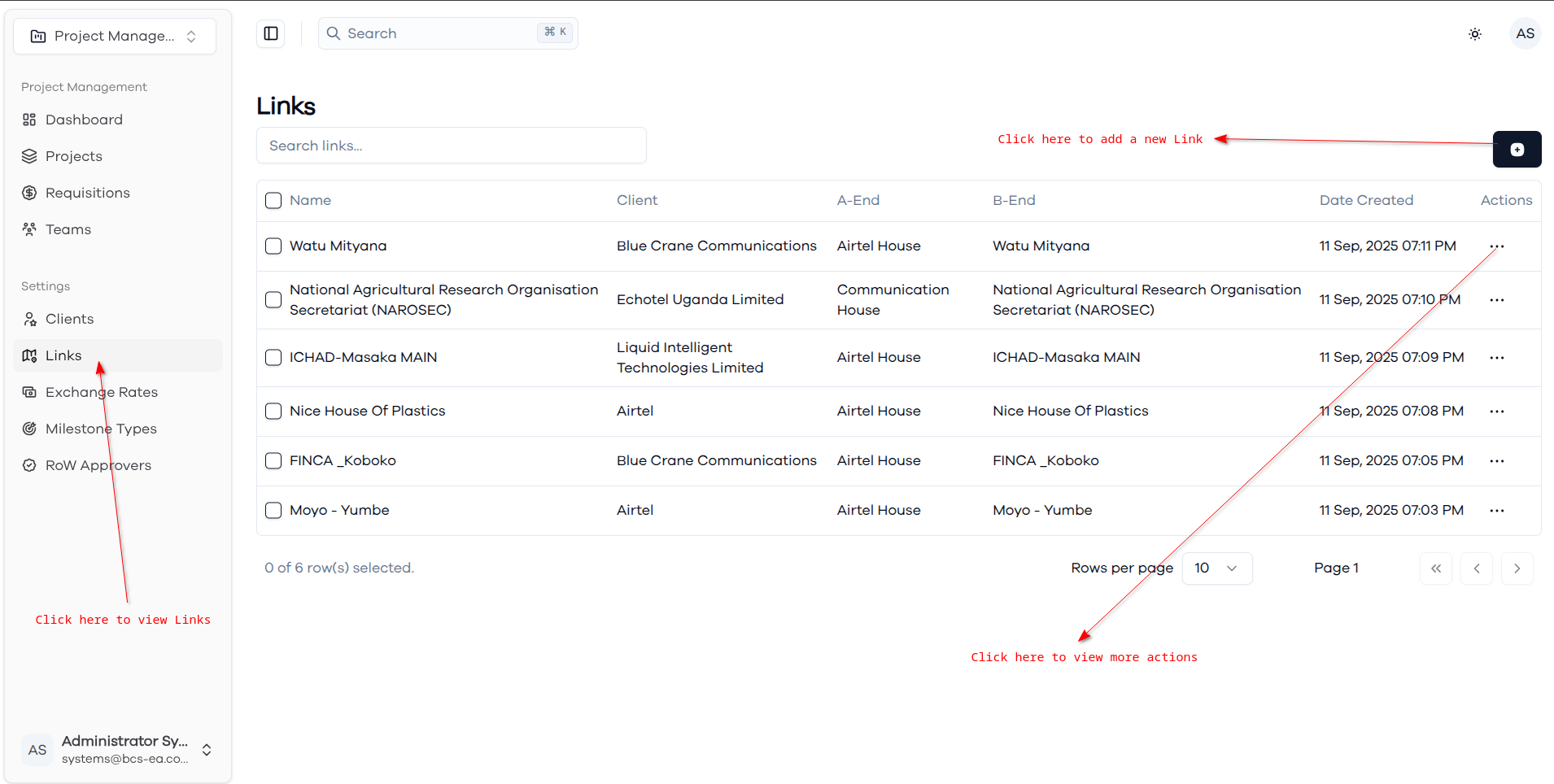
The Links page provides comprehensive management capabilities for links within the project management module.
Links List
The main links view displays all links in a searchable table format. Each link entry shows the link name, associated client, A-End and B-End locations, and creation date.
Link Row Actions
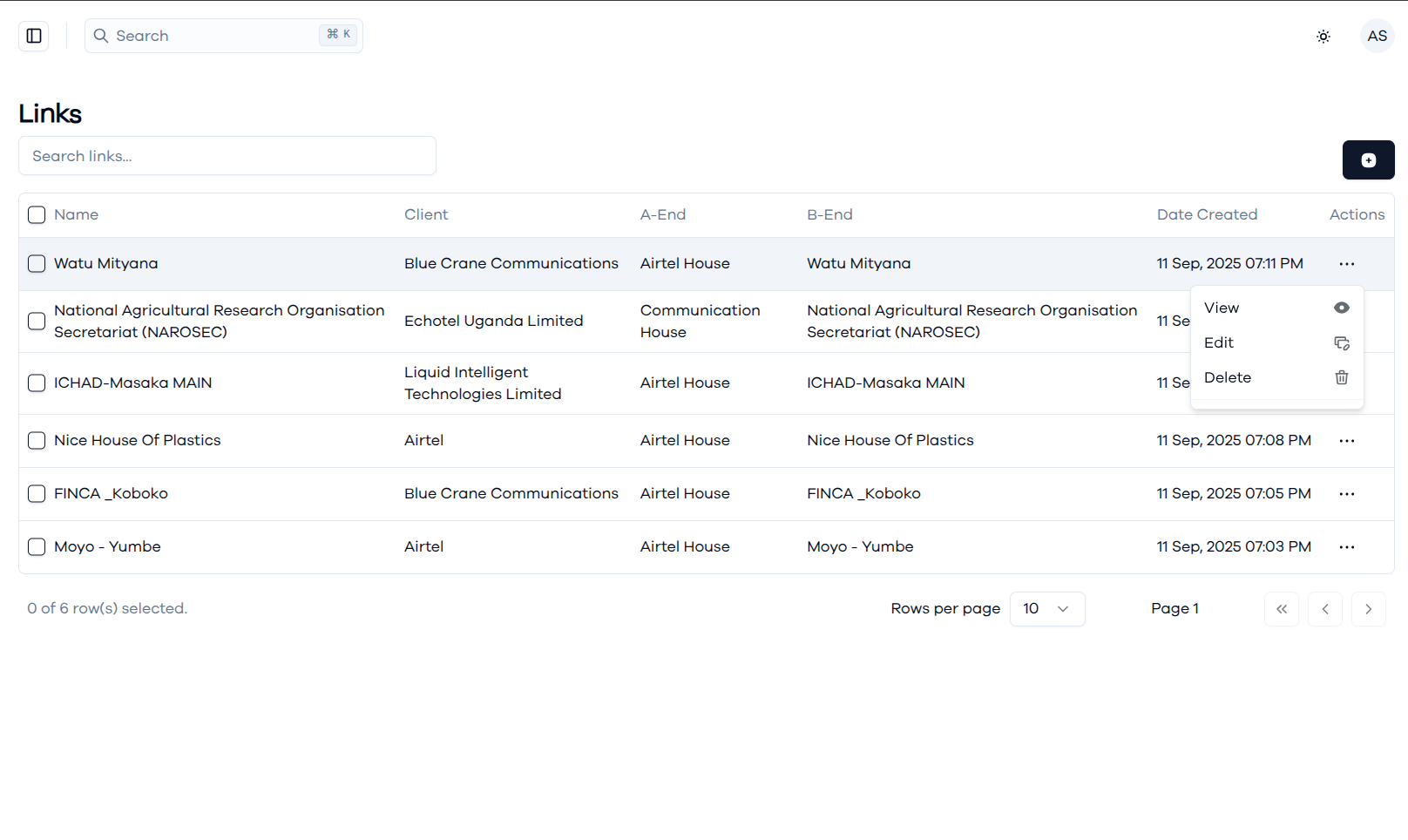
Each link row includes action options accessible through the three-dot menu, providing quick access to link management functions. Available actions include viewing detailed link information, editing link specifications to update costs, coordinates, or technical parameters, and deleting links when infrastructure connections are decommissioned or no longer relevant. These actions provide convenient link record maintenance directly from the main list view.
Link Details View
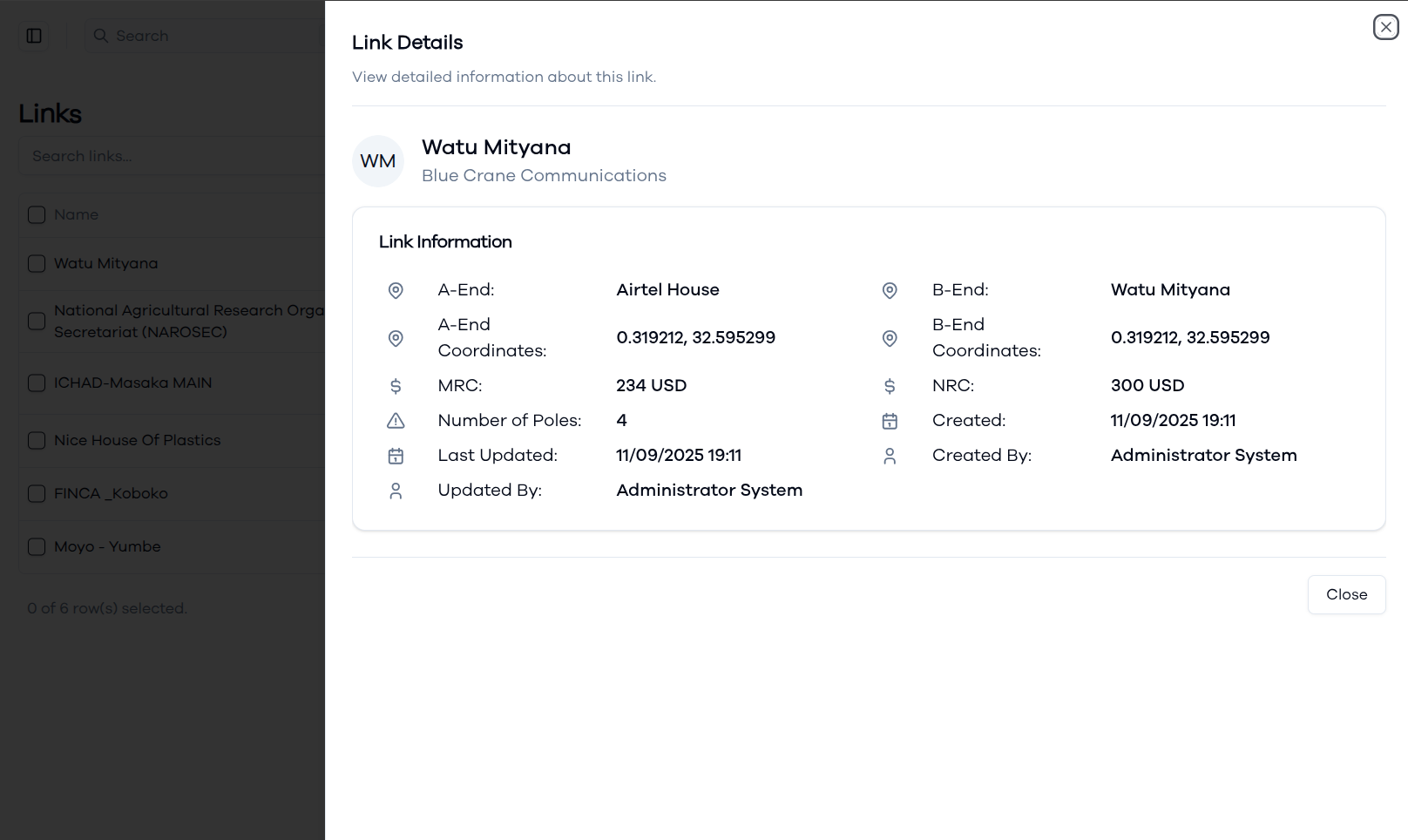
The link details dialog provides comprehensive information about individual network links including basic identification (link name, client association), detailed location information for both endpoints with geographical coordinates, cost structure (MRC - Monthly Recurring Cost and NRC - Non-Recurring Cost), infrastructure specifications (number of poles), and audit trail information. This detailed view enables project managers to access all technical and financial information needed for project planning and cost estimation.
Creating New Link
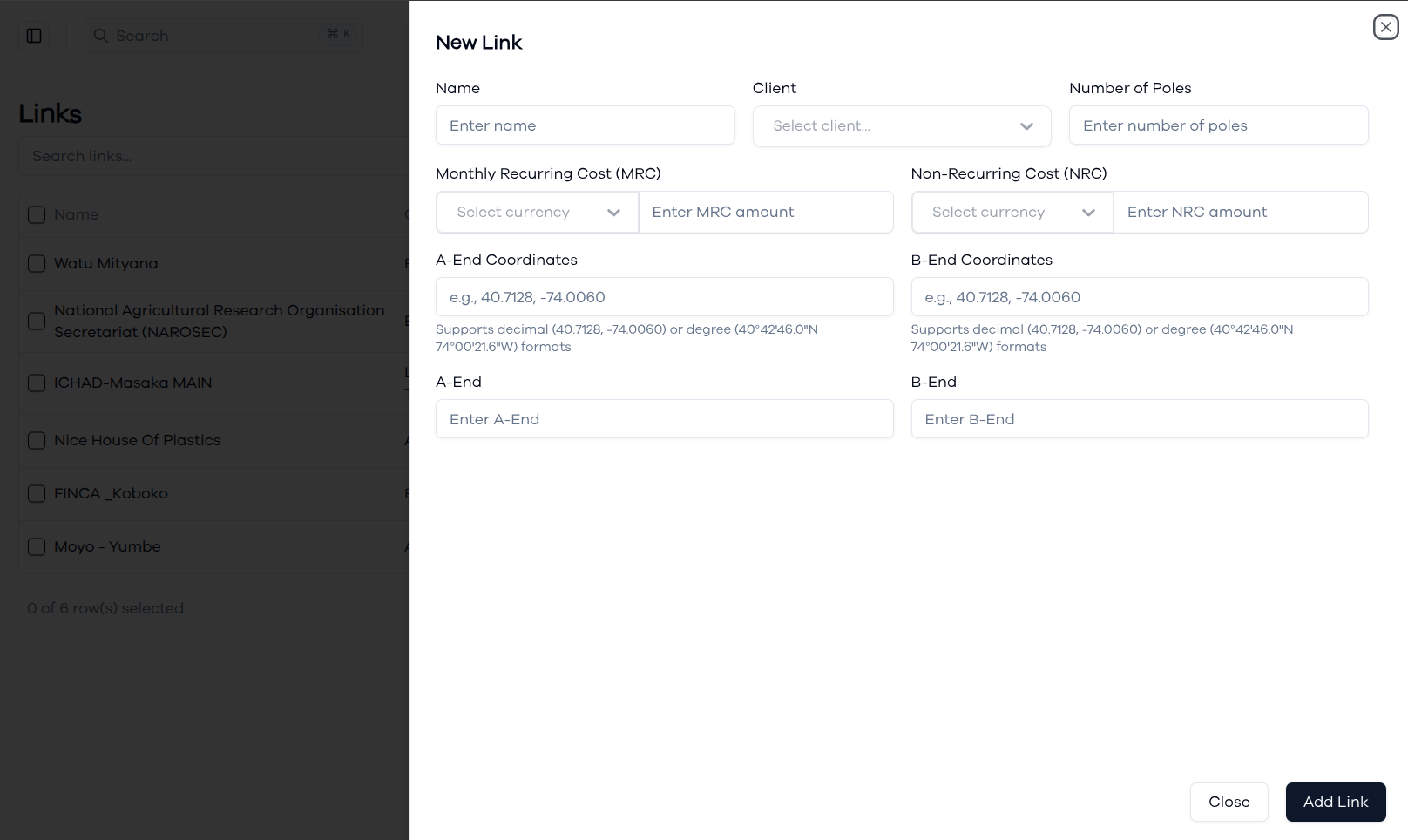
The link creation form allows you to add new links with comprehensive technical and financial specifications. Enter the link name and select the associated client, specify the number of poles for infrastructure planning, define cost structures with Monthly Recurring Cost (MRC) and Non-Recurring Cost (NRC) in various currencies, and set precise geographical coordinates for both A-End and B-End locations. The coordinate system supports both decimal (40.7128, -74.0060) and degree (40°42'46.0"N 74°00'21.6"W) formats for accurate location mapping.
Updating Link Information
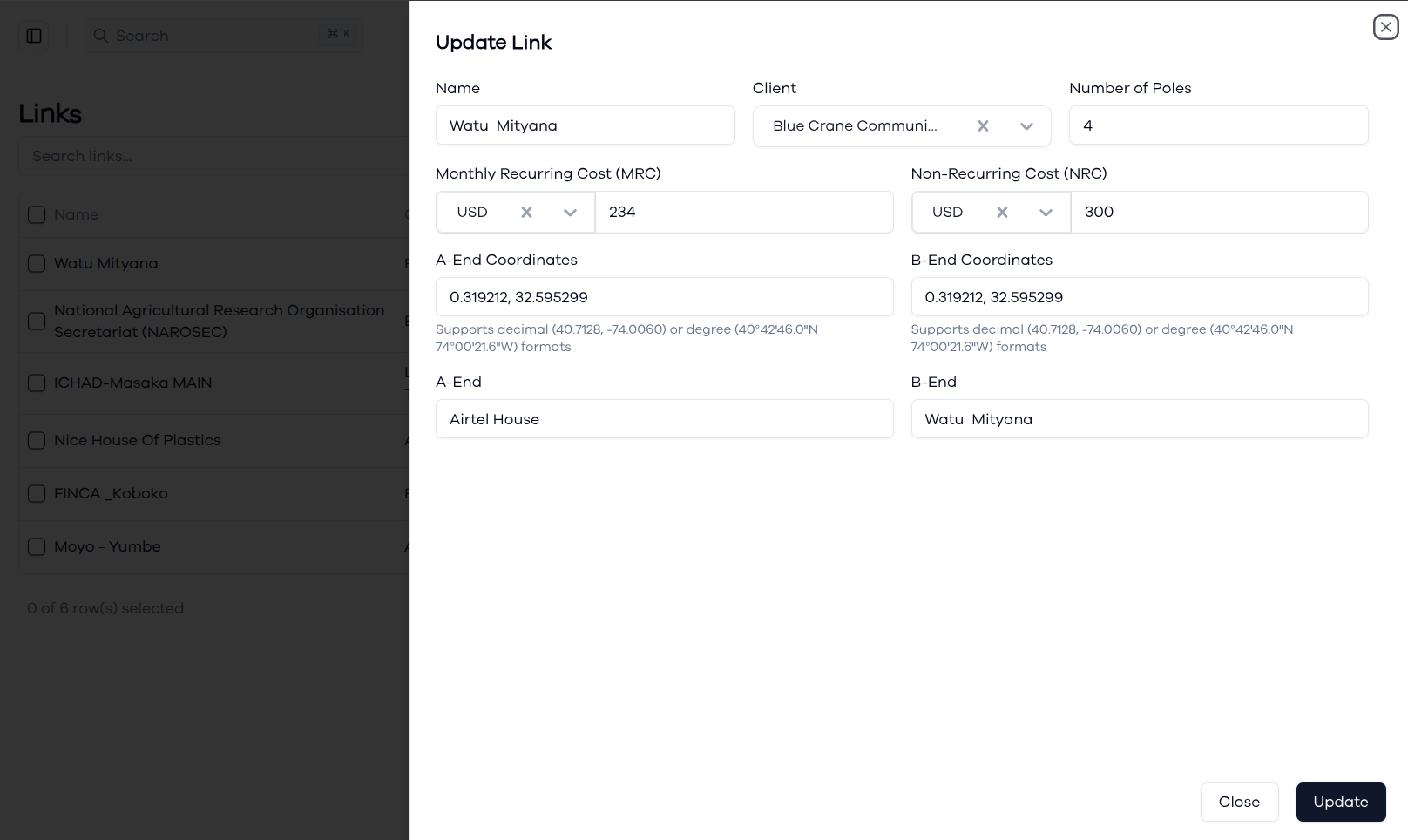
The link update form provides comprehensive editing capabilities for modifying existing link records. You can update link names, change client associations, modify cost structures (both MRC and NRC with currency selection), adjust geographical coordinates for endpoint accuracy, update infrastructure specifications like pole counts, and modify endpoint location descriptions. The form pre-populates with current link information, ensuring data consistency while allowing necessary updates to reflect.
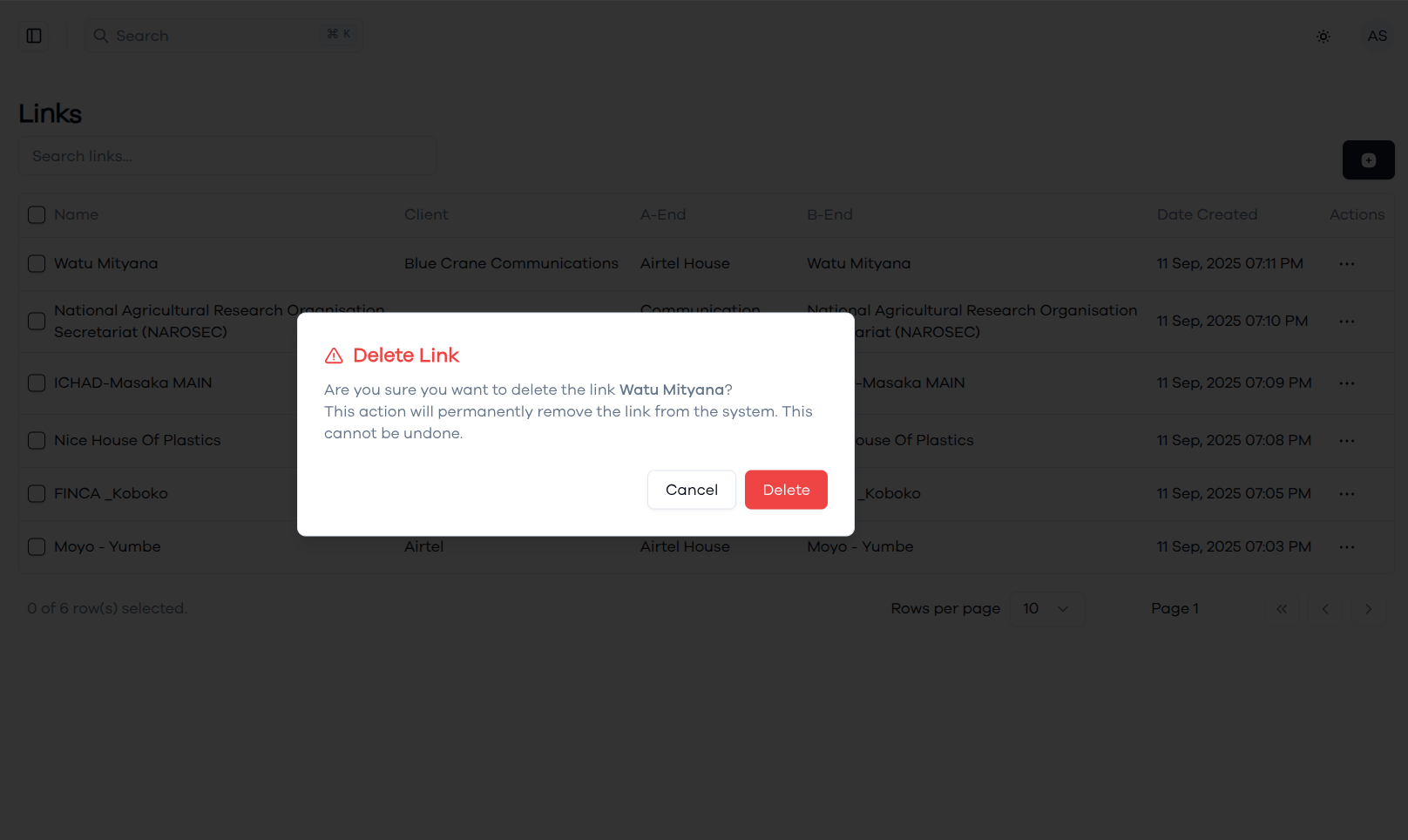
Deleting a Link
When deleting a link, the system displays a confirmation dialog to prevent accidental removal of link records. The dialog clearly identifies the specific link being deleted and states that the action will permanently remove the link from the system and cannot be undone.