Clients
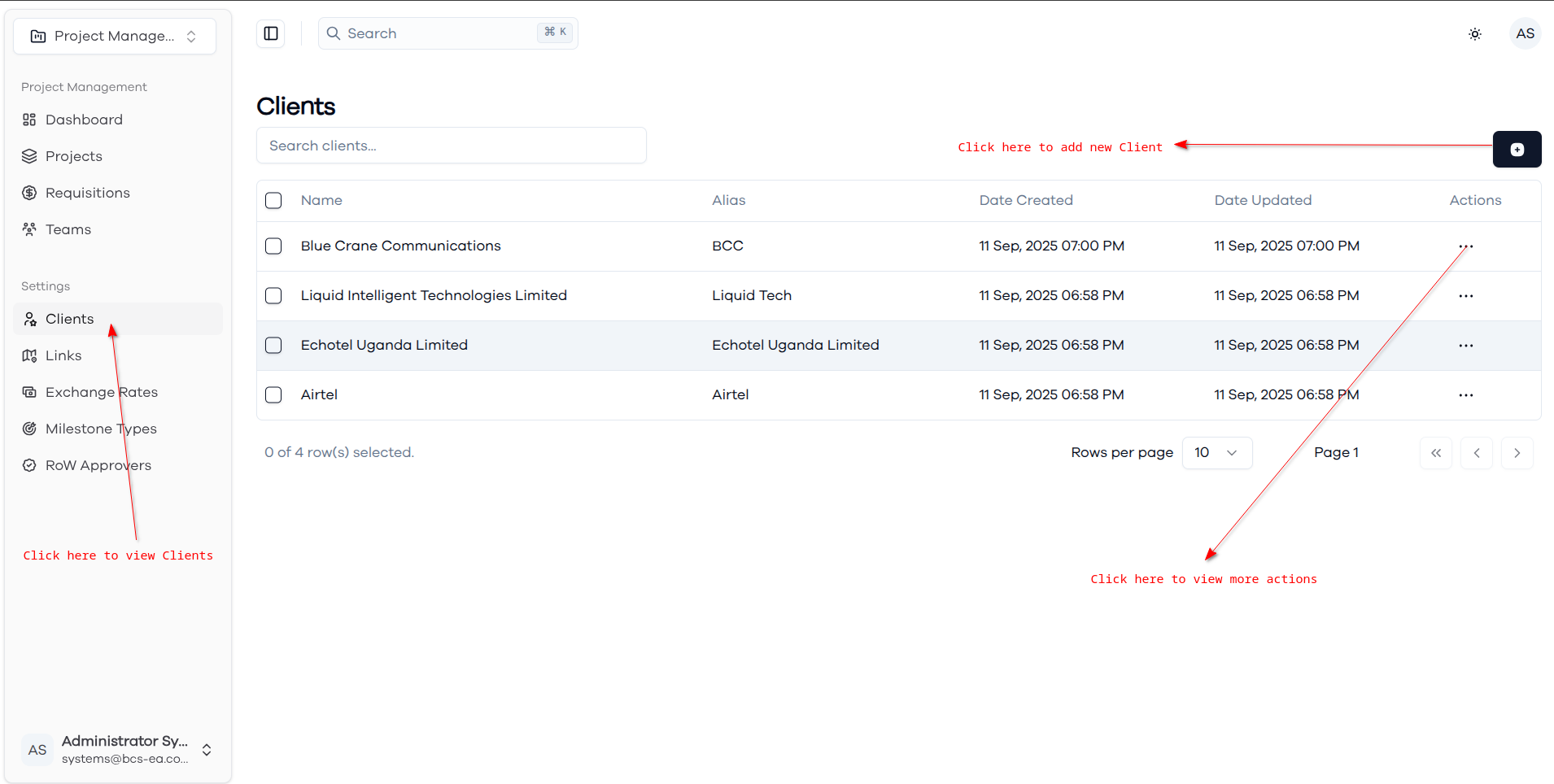
The Clients page provides comprehensive management capabilities for organizing and maintaining client information within the project management system.
Clients List
The main clients view displays all clients in a searchable table format. Each client entry shows the full client name, alias (shortened identifier for easy reference), creation date, and last update information.
Creating New Client
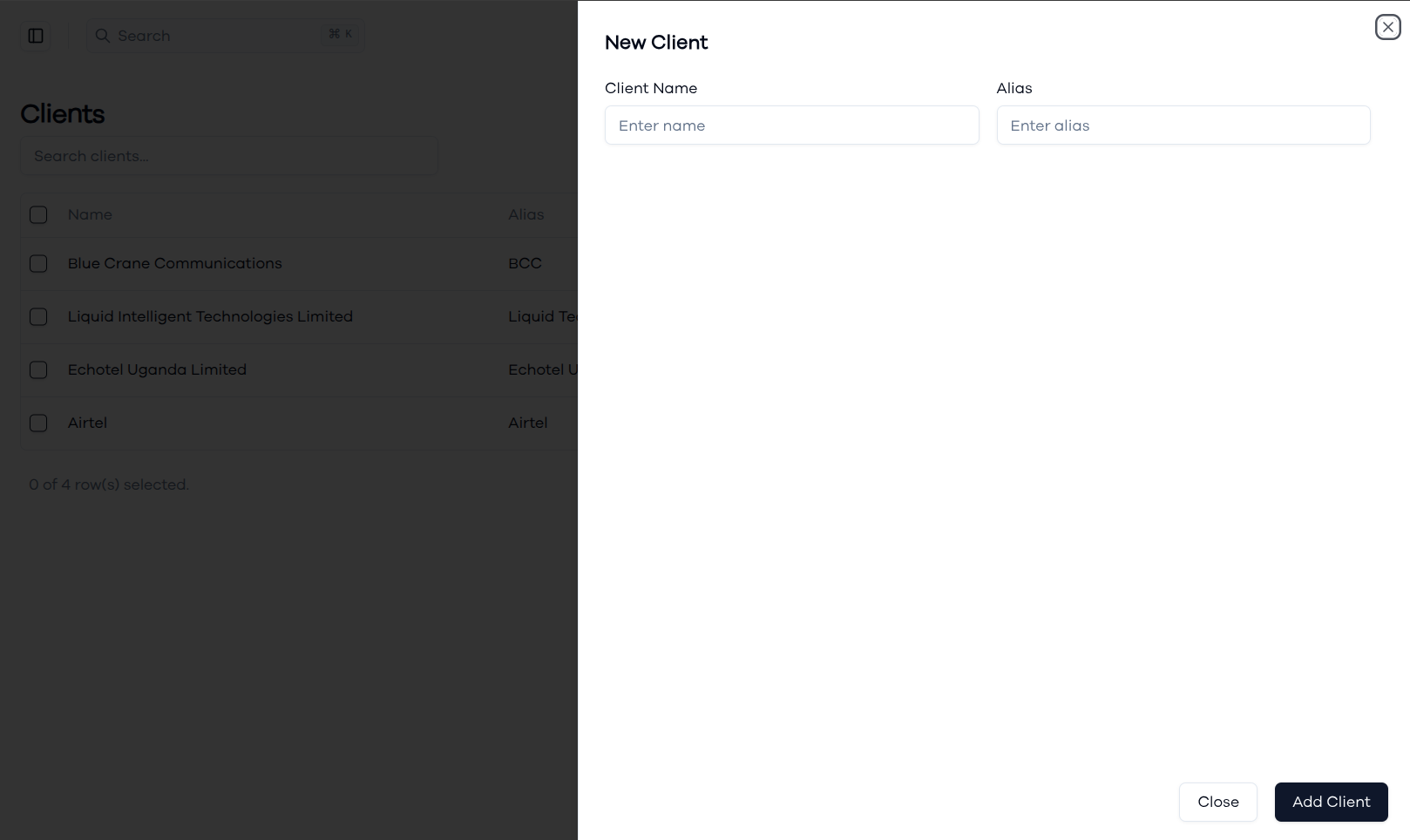
The client creation form allows you to add new clients with essential information. Enter the complete client name and create a memorable alias that will be used throughout the system for easy client identification in project assignments and reporting.
Client Row Actions
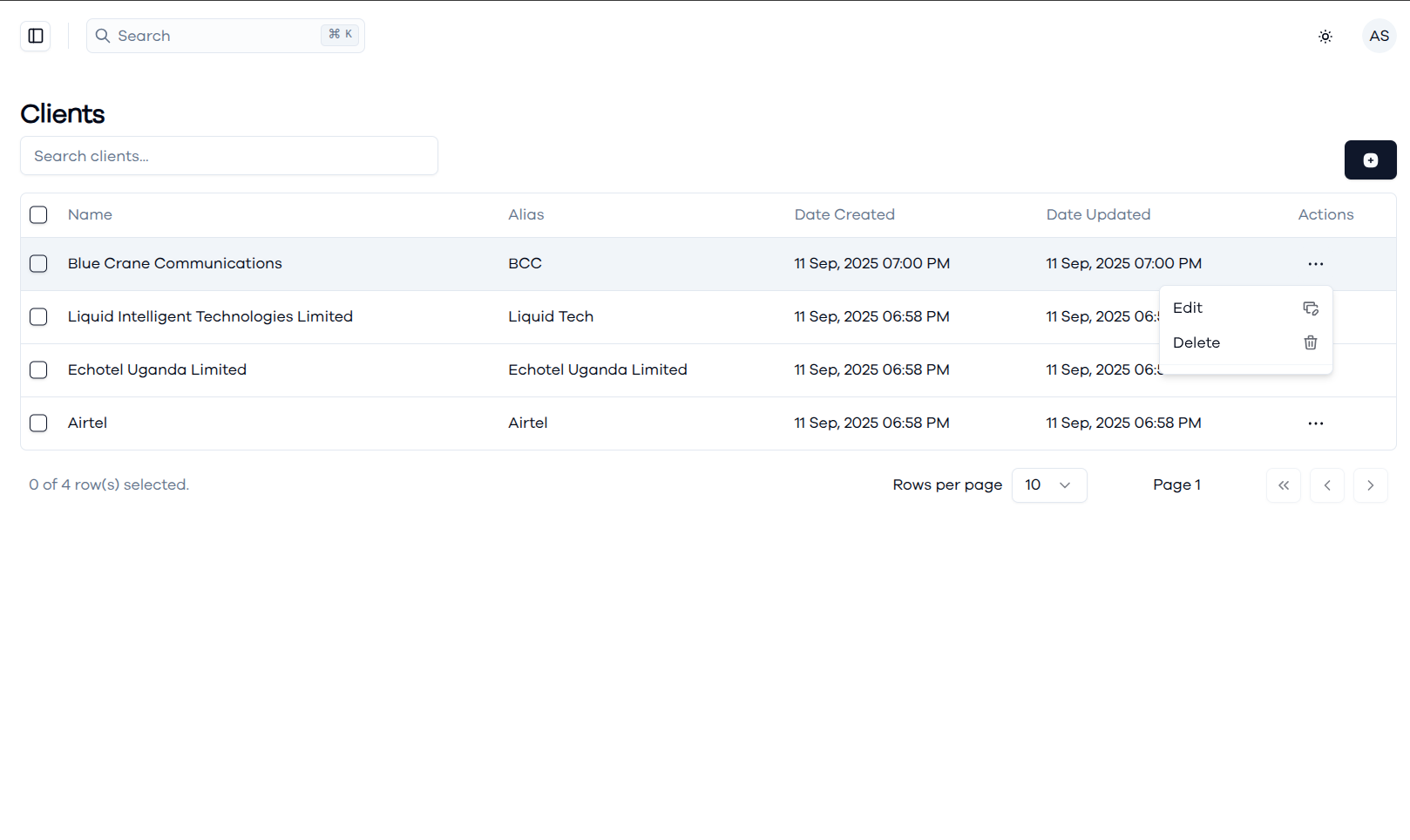
Each client row includes action options accessible through the three-dot menu, providing quick access to client management functions. Available actions include editing client information to update names or aliases, and deleting clients when they are no longer active.
Updating Client Information
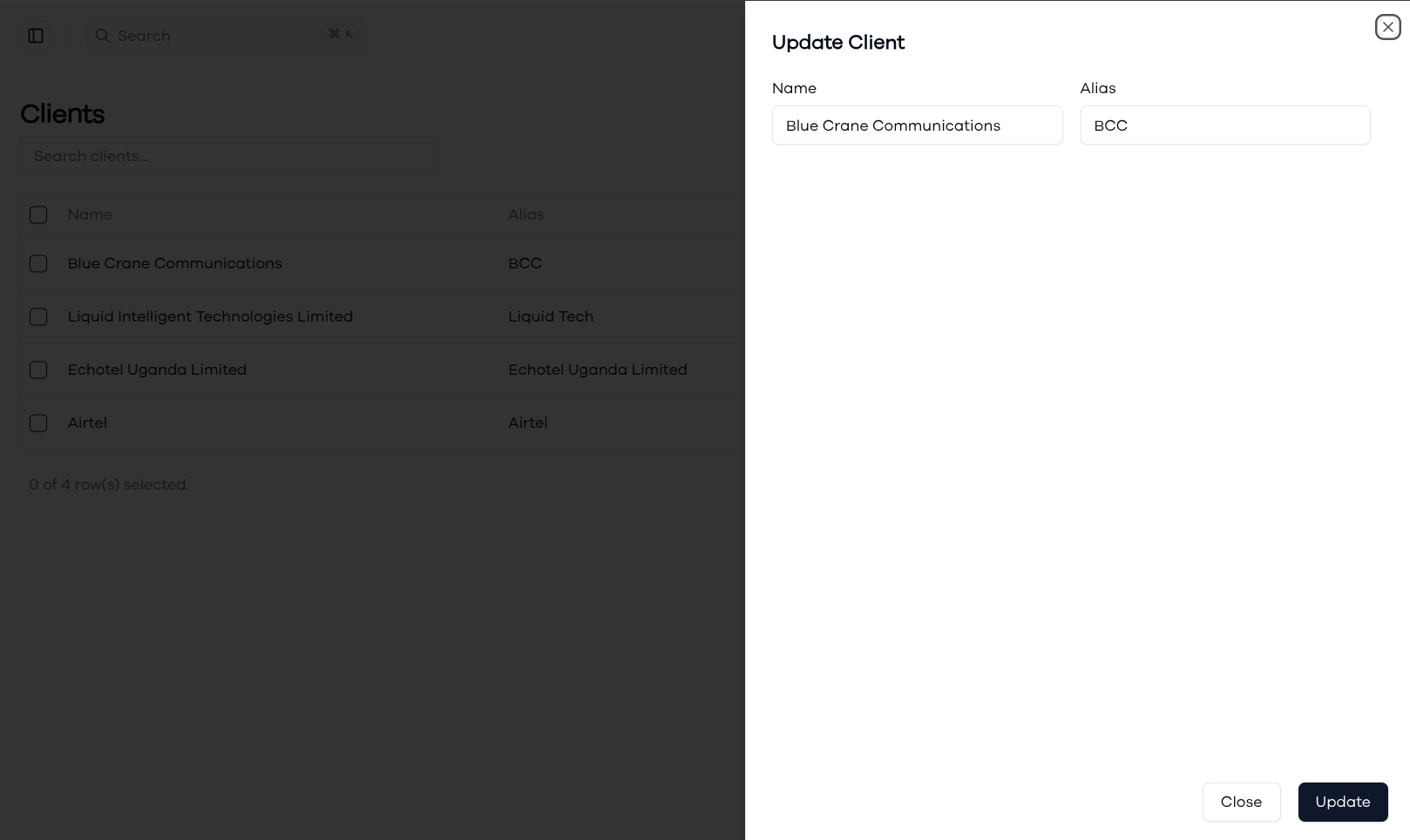
The client update form provides editing capabilities for modifying existing client records. You can update both the client name and alias to reflect changes in client business names, branding updates, or to improve alias clarity for better system usability. The form pre-populates with current client information, making it easy to make targeted updates while maintaining data consistency.
Deleting a Client
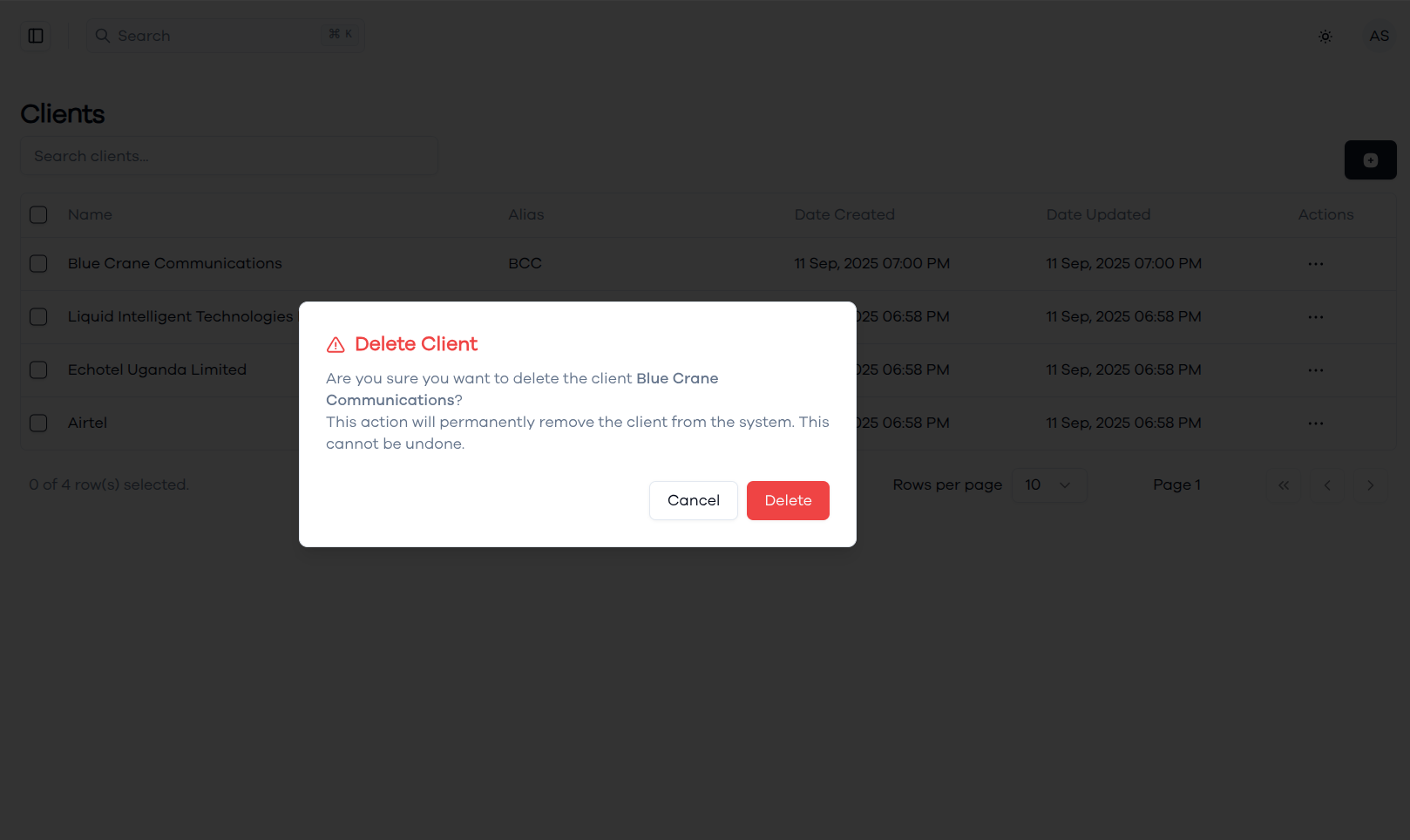
When deleting a client, the system displays a confirmation dialog to prevent accidental removals of important client records. The dialog clearly identifies the specific client being deleted and states that the action will permanently remove the client from the system and cannot be undone. This protection is crucial since client deletion may affect existing project assignments, and historical project data associated with that client.